


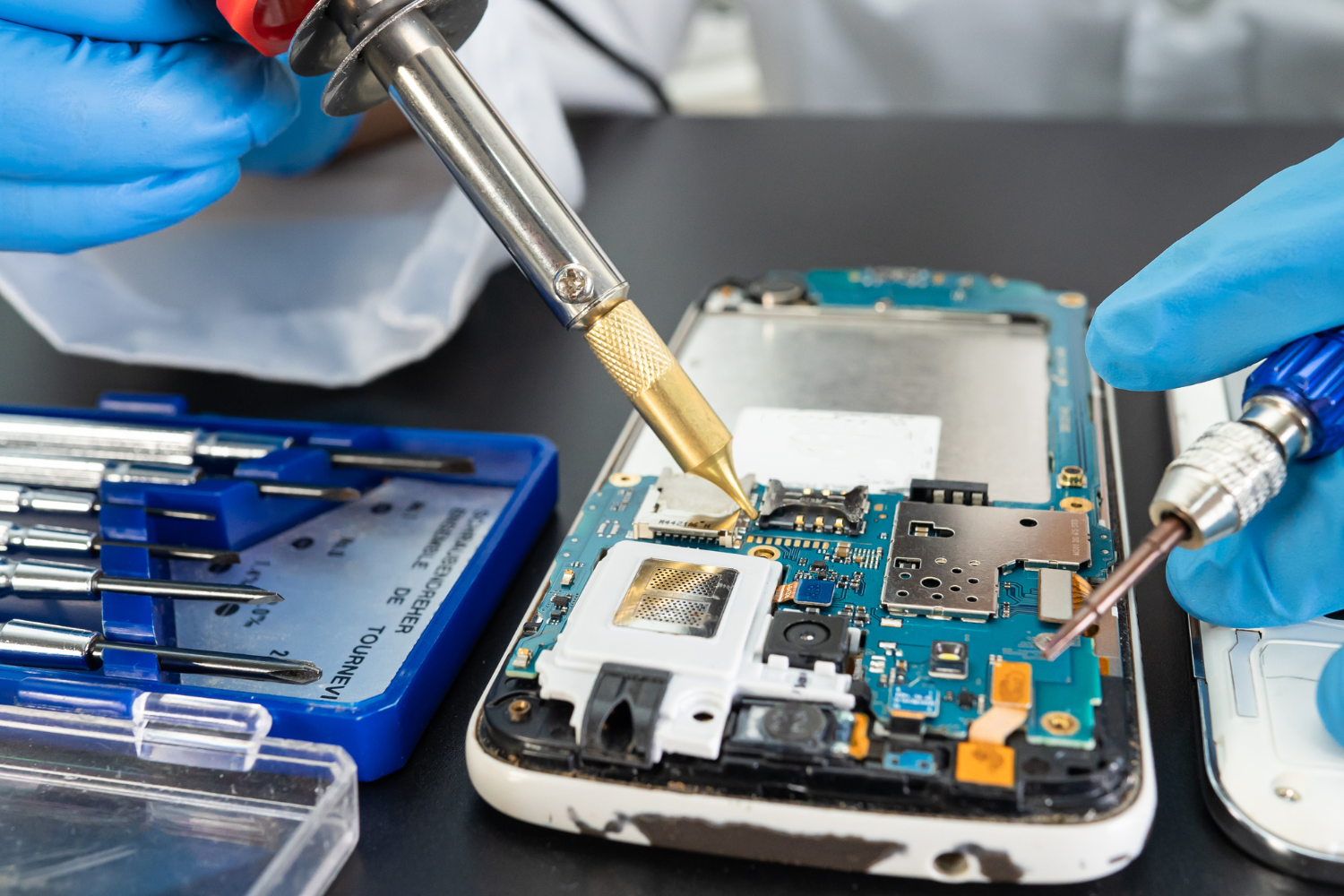
Your iPhone speaker suddenly goes silent. You try playing a song, and nothing happens. You attempt to watch a video, and there is no sound. You make a call, and you cannot hear the other person unless you use speakerphone. A dead iPhone speaker can be incredibly frustrating, especially when you realize how much you depend on it for daily communication, entertainment, and alerts.
But before you assume the worst and think your entire phone is broken, take a breath. An iPhone speaker that has stopped working does not always mean the speaker itself is damaged. In fact, in many cases, the problem is something completely different and entirely fixable. At Techfix, we diagnose and repair speaker issues regularly, and we have found that the actual cause is often something simpler than you might think.
Why Did Your Speaker Stop Working?
Understanding what causes iPhone speaker failure is the first step toward finding the right solution. There are actually several different reasons why your speaker might have stopped producing sound, and identifying which reason applies to your situation is crucial.
Common Software Related Issues
Sometimes the problem is not hardware at all. Your iPhone's speaker might be perfectly fine, but a software glitch or incorrect setting is preventing it from working. These are actually the easiest issues to fix because they do not require any physical repair.
Check if your iPhone is in silent mode. This is embarrassingly common. Look at the physical switch on the left side of your iPhone. If the switch is positioned toward the back of the phone, silent mode is on. Flip it forward to turn off silent mode and restore sound. We have had numerous customers come in thinking they needed major repairs, only to discover this simple toggle was the issue.
Check your volume settings. Open the Settings app and go to Sounds and Haptics. Make sure the volume slider is not set to the lowest level. Try adjusting the volume using the physical buttons on the side of your phone while playing audio. The volume level should increase visibly on your screen.
Restart your iPhone completely. A full restart can resolve many temporary glitches that affect audio. To restart your iPhone, go to Settings, then General, then Shut Down. Wait for your phone to turn off completely, then press and hold the side button until you see the Apple logo appear. This forces your iPhone to reboot and often resolves software related audio issues.
Check if a specific app is the problem. Sometimes the issue is not your iPhone speaker in general, but rather one particular application. Try playing audio from different apps. Use Music, then try YouTube, then try a voice memo. If sound works from some apps but not others, the problem is likely within a specific application rather than your speaker itself.
Hardware Related Problems
If software troubleshooting does not resolve the issue, you are likely dealing with a hardware problem. Hardware issues require more careful diagnosis because several different components can affect your speaker.
Water damage is one of the most common causes of speaker failure. Water can enter through charging ports, speaker openings, or other small gaps in your phone. Even if your phone survived a water exposure and seemed fine afterward, water damage can cause speaker failure days or even weeks later. Corrosion slowly damages components until they stop functioning.
Physical damage or drops are another common cause. Your iPhone might have survived a drop without showing obvious cracks, but internal components can be damaged even when the exterior looks fine. If your speaker stopped working after your phone was dropped or bumped hard, physical damage is likely the culprit.
Debris or dust accumulation in the speaker opening can muffle sound or block it completely. Lint from your pocket, dust from your environment, or residue from previous liquid exposure can collect in the speaker grille. This is why your sound seems muffled or absent even though the speaker itself is actually functioning.
Manufacturing defects are rare but possible. Some iPhones develop speaker issues due to manufacturing problems, especially if the issue occurs very early in your phone's life. This is typically covered under Apple's warranty if your phone is still within the coverage period.
Speaker component failure happens as your iPhone ages. The actual speaker is a complex electronic component that can eventually wear out, especially if you regularly use maximum volume. The internal speaker driver can degrade over time, particularly if exposed to extreme conditions.
Diagnosing Your Specific Issue
To figure out what is actually wrong with your speaker, you need to ask yourself some diagnostic questions.
When did the problem start? If it happened suddenly, software or a recent app update might be responsible. If it developed gradually, hardware degradation or debris accumulation is more likely.
Did anything happen to your phone before the speaker stopped working? A drop, water exposure, or any physical incident points toward hardware damage.
Does your phone show any other signs of damage? Look for cracks, corrosion around ports, or any other visible issues.
Can you hear sound through the earpiece during calls? If yes, your speaker is likely fine and the issue might be specific to the speaker. If no, you might have a more general audio problem.
Does sound work when you connect headphones or Bluetooth speakers? If yes, this confirms your iPhone speaker is the problem. If no, the issue is with your iPhone's audio system in general, not just the speaker.
Is the issue only with certain apps or all audio? This helps determine if the problem is software related or hardware related.
What We Do at Techfix for Speaker Issues
When you bring your iPhone to Techfix with speaker problems, we perform a thorough diagnosis using proper testing methods and equipment.
We first run through all software troubleshooting steps with you. We check settings, test different apps, and rule out any software related issues. Many times this alone solves the problem, and you leave with a working iPhone.
If software troubleshooting does not resolve the issue, we perform a physical inspection. We examine your iPhone for signs of water damage, physical damage, or debris. We look at the speaker openings closely to see if blockage is visible.
We test the speaker using diagnostic tools and specialized testing equipment. We can determine whether the speaker component itself is functioning or if it has failed.
If the speaker opening is blocked by debris or dust, we carefully clean it using appropriate tools. This is delicate work because speaker openings are small and speaker components are fragile. A professional cleaning is much safer than attempting this yourself.
If the speaker component has failed or been damaged, we can replace it. We use quality replacement speakers and ensure proper installation and calibration.
If water damage is the cause, we address that issue comprehensively. We clean and dry the affected areas, replace any components that cannot be salvaged, and test everything thoroughly before returning your phone.
Can You Fix It Yourself?
You might be tempted to try fixing your speaker yourself. While some solutions are simple enough for anyone to try, others require professional expertise.
The software solutions mentioned earlier are safe to try. Checking silent mode, adjusting volume, restarting your phone, and testing different apps are all completely safe and require no technical skill.
Cleaning debris from the speaker opening is possible but risky. If you attempt this, use only soft materials like a small soft brush or very gently with compressed air. Do not use metal objects or anything that could damage the speaker. Be extremely careful because the speaker component is fragile and easily damaged by improper cleaning.
Opening your iPhone to access or replace the speaker is something you should not attempt unless you are experienced with phone repair. Opening your iPhone can damage the water resistance seal, harm delicate internal components, or create new problems. Professional repair is much safer.
Prevention Tips
Protect your iPhone from water exposure by using a protective case and keeping it away from liquids. Even water resistant iPhones can be damaged by submersion or prolonged water contact.
Avoid maximum volume usage for extended periods. This puts strain on the speaker component and can accelerate wear.
Protect your iPhone from drops and impacts by using a protective case and screen protector.
Keep your iPhone in clean environments when possible to minimize dust and debris accumulation in speaker openings.
Have any issues addressed promptly. Small speaker problems can worsen over time and become more expensive to fix.
Why Professional Diagnosis Matters
Attempting to diagnose your own speaker issue is difficult without proper tools and testing equipment. What seems like a speaker problem might actually be something else entirely. Professional diagnosis ensures you get the right solution rather than wasting money on unnecessary repairs.
We have the tools, knowledge, and experience to identify exactly what is wrong with your iPhone speaker and fix it properly. We can often resolve the issue on the same day you bring it in, and we warranty our work so you have peace of mind.
Get Your Speaker Fixed Today
If your iPhone speaker has stopped working, do not suffer in silence. Bring it to Techfix for professional diagnosis and repair. We will identify exactly what is causing the problem and provide an honest solution. Whether it is a simple software fix, debris cleaning, or speaker replacement, we have the expertise to get your iPhone working perfectly again.

 Arabic
 French
 Spanish
 Portuguese
 Deutsch
 Turkish
 Dutch
Dutch
 Italiano
 Russian
 Romaian
 Portuguese (Brazil)
 Greek
Greek