


Every serious gamer eventually encounters the term "refresh rate" when shopping for monitors or optimizing their setup. This specification dramatically affects how smooth and responsive your games feel. Understanding refresh rate helps you make informed decisions about your gaming hardware and potentially elevate your competitive edge.
What Is Refresh Rate?
Refresh rate measures how many times per second your monitor updates the image on screen. Manufacturers express this measurement in Hertz (Hz). A 60Hz monitor refreshes the display 60 times per second, while a 144Hz monitor refreshes 144 times per second.
Your monitor pulls new frames from your graphics card constantly. The refresh rate determines the maximum number of distinct frames your display can show each second. This creates the motion you see during gameplay.
The Direct Connection Between Refresh Rate and Gaming Experience
Higher refresh rates create noticeably smoother motion in games. When you move your mouse to aim at an opponent or pan the camera across a landscape, a 144Hz monitor displays more than twice the visual information compared to a 60Hz screen in the same timeframe.
This additional visual data helps your brain process movement more accurately. You perceive actions happening on screen with less motion blur and greater clarity. Fast-paced games benefit most dramatically from higher refresh rates.
Visual Smoothness and Fluidity
The jump from 60Hz to 144Hz represents one of the most noticeable upgrades gamers can make. Character movements appear more natural. Camera panning feels buttery smooth. Even simple actions like scrolling through menus become more pleasant.
Competitive players often notice the difference immediately. The additional frames between each action make tracking moving targets easier. Your eyes receive updated positional information more frequently, allowing for more precise aim corrections.
Frame Rate Versus Refresh Rate: Understanding the Relationship
Many gamers confuse frame rate with refresh rate. Your graphics card generates frames (measured in FPS - frames per second), while your monitor displays them at its refresh rate (measured in Hz).
Your system needs to generate frames at or above your monitor's refresh rate to take full advantage of the display. A 144Hz monitor delivers optimal performance when your PC generates 144 FPS or higher. If your computer only produces 60 FPS, you won't experience the full benefit of that 144Hz panel.
The Hardware Connection
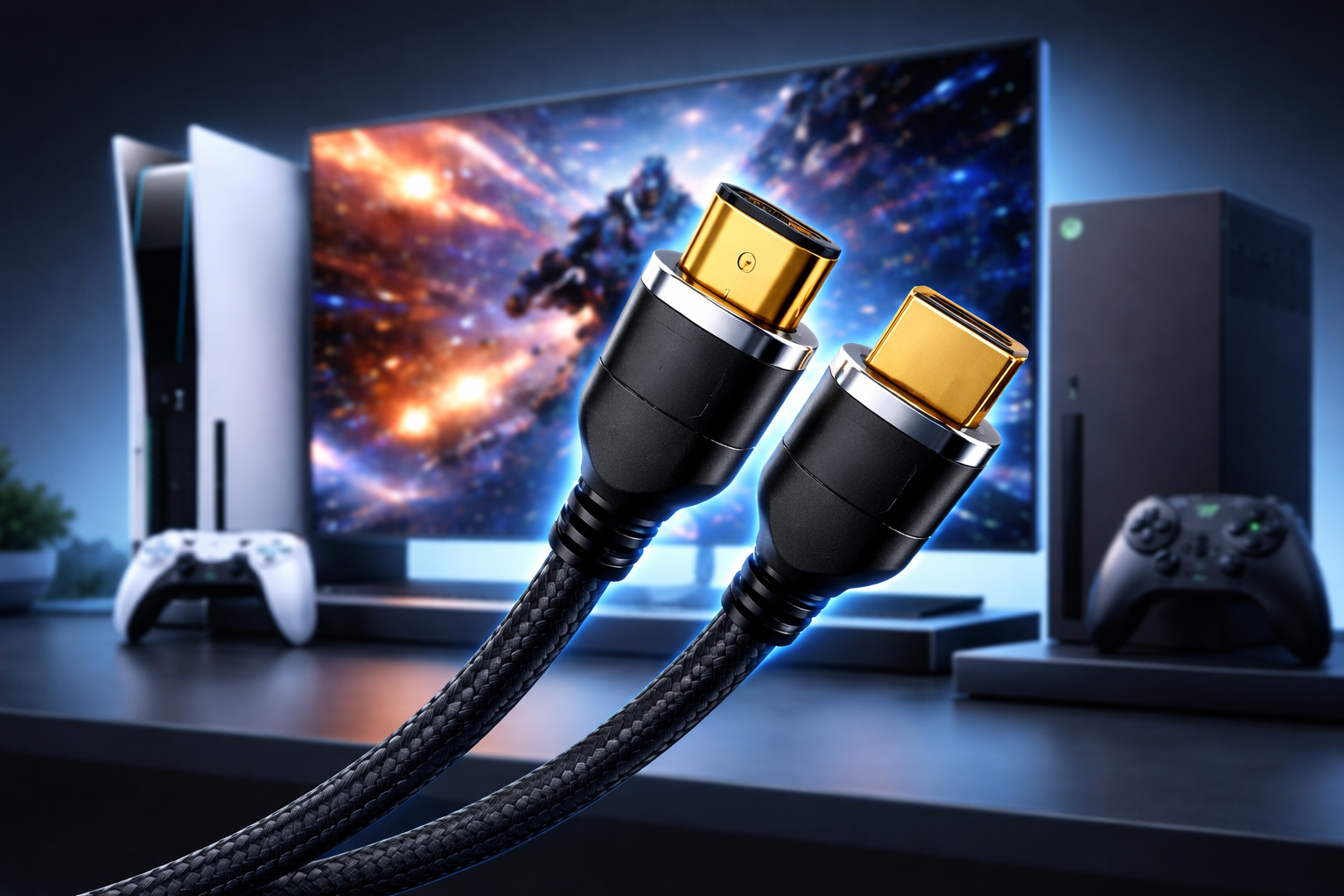
Your graphics card sends visual data to your monitor through display connections. The hdmi cable for pc you choose matters more than many gamers realize. Standard HDMI cables support different maximum refresh rates depending on their version.
HDMI 2.0 cables handle 1080p at 144Hz and 4K at 60Hz. HDMI 2.1 cables push these limits further, supporting 4K at 120Hz and even 8K at 60Hz. Using an outdated cable can bottleneck your entire system, preventing your monitor from operating at its full refresh rate capability.
Common Refresh Rate Standards
Different monitors offer various refresh rate options. Understanding these standards helps you choose the right display for your needs.
60Hz: The Traditional Standard
Most standard monitors and TVs operate at 60Hz. This refresh rate works adequately for casual gaming, office work, and media consumption. However, competitive gamers find 60Hz limiting for fast-paced titles.
144Hz: The Sweet Spot
The 144Hz standard has become the gold standard for gaming monitors. This refresh rate provides exceptional smoothness without requiring the absolute highest-end hardware. Most modern gaming PCs can push 144 FPS in many popular titles.
240Hz and Beyond
Professional esports players and enthusiasts often choose 240Hz or even 360Hz monitors. These ultra-high refresh rates offer diminishing returns for most players, but competitive gamers appreciate every possible advantage.
Input Lag Reduction
Higher refresh rates reduce the time between your input and seeing the result on screen. When you click to fire a weapon, that action must travel through several steps: your mouse sends the signal, your PC processes it, your graphics card renders the frame, and your monitor displays it.
Monitors with higher refresh rates complete the final display step faster. A 240Hz monitor shows new frames every 4.17 milliseconds, while a 60Hz monitor takes 16.67 milliseconds. This 12.5 millisecond difference might seem tiny, but it matters in competitive scenarios where milliseconds determine victory or defeat.
Screen Tearing and Adaptive Sync Technologies
Screen tearing occurs when your graphics card sends frames faster than your monitor can display them. The monitor shows parts of multiple frames simultaneously, creating a visible horizontal line where the images don't match.
Technologies like NVIDIA G-SYNC and AMD FreeSync solve this problem by synchronizing your monitor's refresh rate with your graphics card's frame output. Your display dynamically adjusts its refresh rate to match the incoming frames, eliminating tearing without introducing input lag.
These adaptive sync technologies require proper cable support. When connecting your gaming PC to your monitor, ensure your hdmi cable for pc meets the specifications required for these features. DisplayPort cables often provide better support for adaptive sync technologies, but modern HDMI 2.1 cables also handle these features effectively.
Choosing the Right Refresh Rate for Your Gaming Style
Different game genres benefit differently from higher refresh rates. First-person shooters like Counter-Strike, Valorant, and Call of Duty see massive improvements with 144Hz or higher displays. The enhanced responsiveness and smoother motion directly improve aiming precision.
Racing games and fast-paced action titles similarly benefit from higher refresh rates. The increased visual information helps you react faster to obstacles and opponents.
Strategy games, role-playing games, and turn-based titles show less dramatic improvements. These genres don't require split-second reactions, making 60Hz or 75Hz displays perfectly adequate.
System Requirements and Optimization
Running games at high refresh rates requires substantial graphics processing power. Your PC must consistently generate frames matching your monitor's refresh rate for optimal performance.
Lowering graphics settings can help achieve higher frame rates. Many competitive players reduce visual quality to maximize FPS. They prioritize performance over aesthetics because smooth, responsive gameplay matters more than pretty graphics in competitive scenarios.
Making the Upgrade
If you currently game on a 60Hz monitor, upgrading to 144Hz represents one of the most impactful improvements you can make to your setup. The difference feels transformative, especially in competitive multiplayer games.
Remember to check your cable compatibility when upgrading. Your existing hdmi cable for pc might not support your new monitor's maximum refresh rate. Investing in proper cables ensures you experience the full benefits of your new display.
Conclusion
Refresh rate significantly impacts gaming performance by affecting visual smoothness, input responsiveness, and overall gameplay experience. Higher refresh rates provide competitive advantages in fast-paced games while making all gaming feel more enjoyable. Understanding the relationship between your graphics card, monitor, and connection cables helps you optimize your system for the best possible performance. Whether you choose 144Hz, 240Hz, or stick with 60Hz, matching your refresh rate to your gaming needs and hardware capabilities creates the most satisfying experience.

 Arabic
 French
 Spanish
 Portuguese
 Deutsch
 Turkish
 Dutch
Dutch
 Italiano
 Russian
 Romaian
 Portuguese (Brazil)
 Greek
Greek